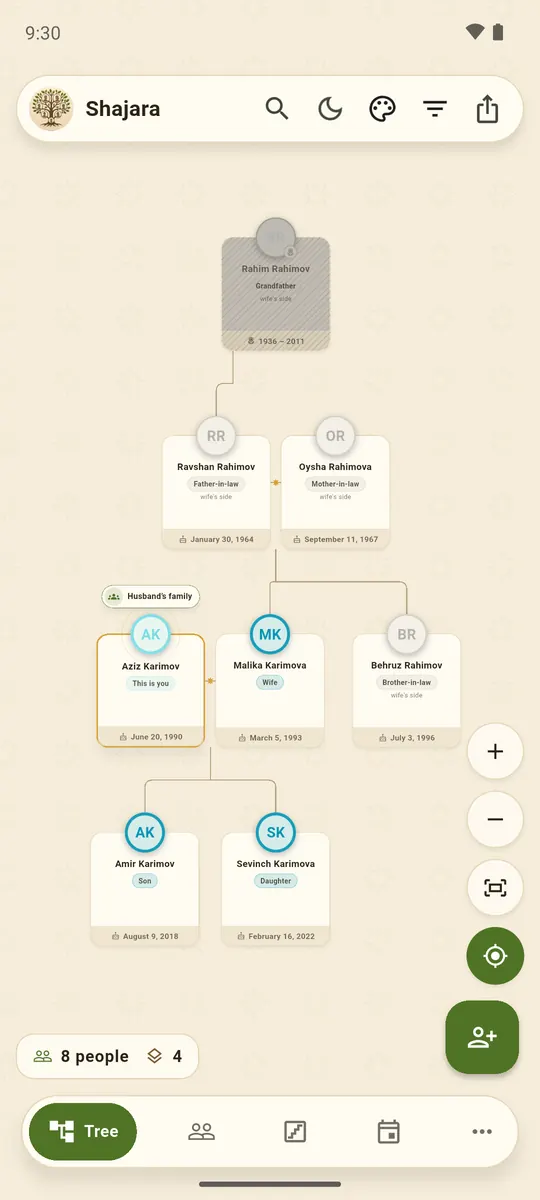
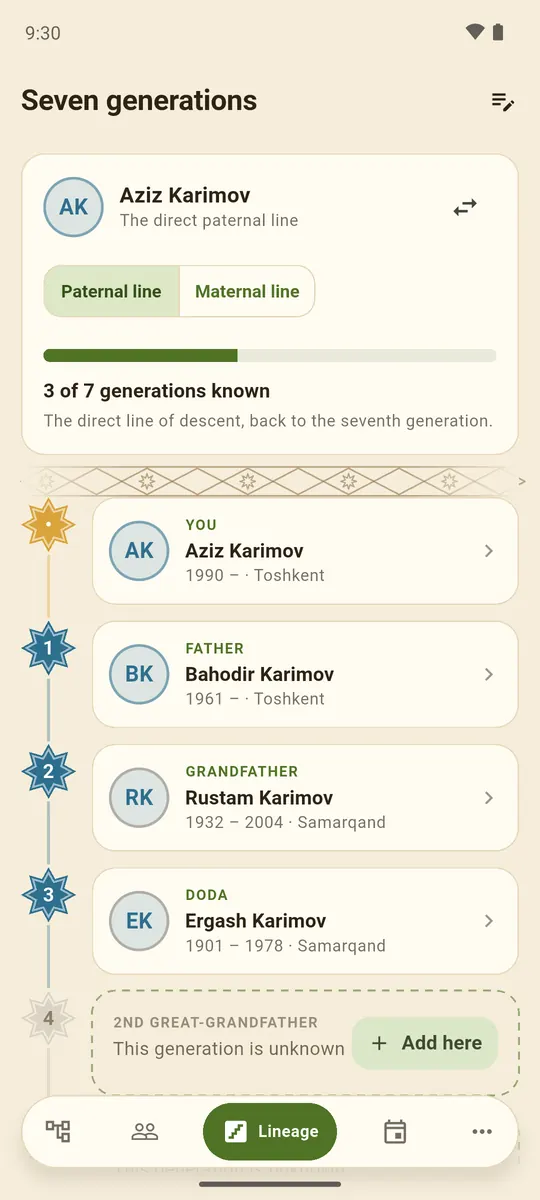
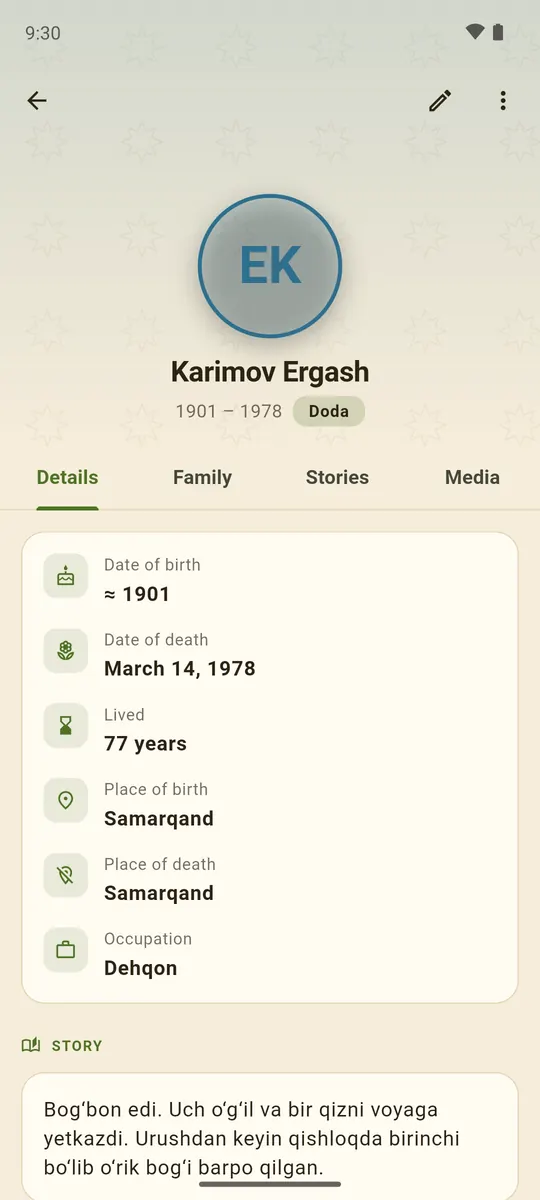
See how everyone is related
Every card shows how the person is related to you: father-in-law, sister-in-law, great-uncle. The app names everyone for you.
Android app · Google Play

Your family tree, on your phone
See how everyone is related, record the elders’ voices and trace the line back seven generations.
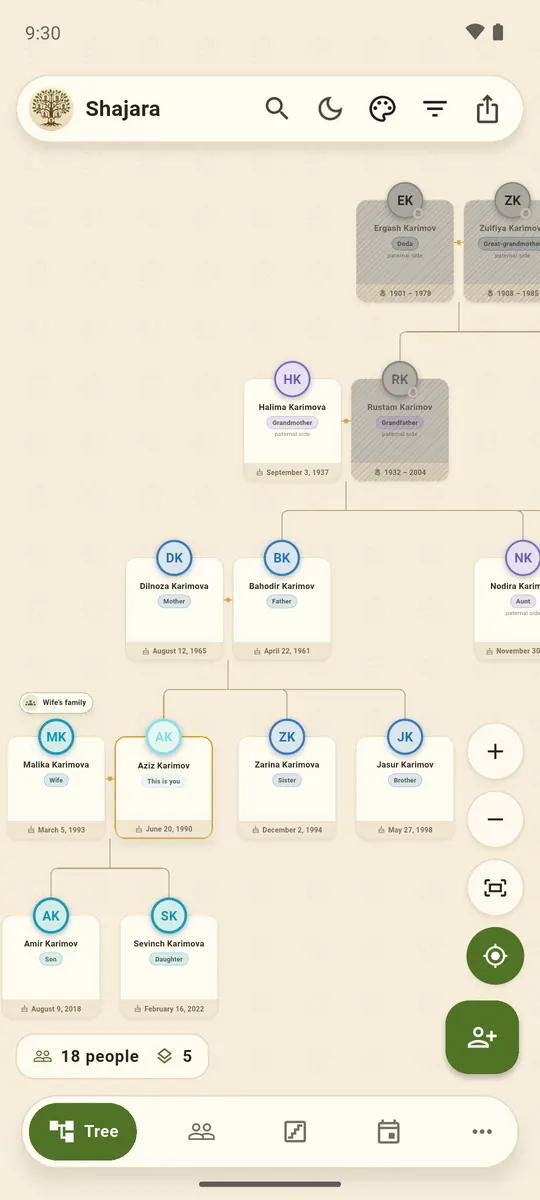
Features
Every card shows how the person is related to you: father-in-law, sister-in-law, great-uncle. The app names everyone for you.
Your spouse’s relatives don’t crowd the tree: they fold into one card that opens with a tap.
A dedicated screen for the direct line: how many generations are known and exactly where the gap is.
Record the elders’ stories right in the app and attach them to the person. Dates can be found in an archive; a voice cannot.
One button builds the book: the tree, biographies with photos, stories. The poster comes in A4, A3 or A2.
Reminders ahead of time at the hour you choose, with a switch for each person. Memorial days too.
Screenshots
Click a screenshot to enlarge it
Privacy
The app holds no internet permission — it physically cannot send anything anywhere. Check for yourself: “Internet” is absent from its permission list.
Privacy policyThe app has no ads. This website shows Google ads, which help keep the app free.
Getting started
Free, no sign-up.
The tree starts with you. Then grandparents and the rest of the family.
Send the file in a messenger — relatives load it into their own app, photos travel inside.
Articles
Uzbek names relatives more precisely than English does. An “uncle” is either amaki or tog‘a, and a “cousin” depends on whose child they are. Here are the main words, from parents to in-laws.
Read“Yetti pushtingni bil” — “know your ancestors seven generations back” — is a saying in Uzbek families. Here is what it means, how generations are counted and where to look for the ones nobody remembers any more.
ReadA shajara is a family tree. Making one is easier than it looks: an evening with the elders, a little patience and somewhere it will all be kept safe. Here is an order that works.
ReadFAQ
Only on your phone, in the app’s private folder. Shajara has no servers and no internet permission, so the data goes nowhere.
On the old phone open “Export & share” → “Backup (.shajara)” and send the file to yourself. On the new one install Shajara and choose “Import from file”. Photos travel inside the file.
Send them the .shajara file by Telegram, email or any messenger. In their app they choose “Import from file” → “Merge into current tree”, and the new people join their tree.
Yes. A tree poster in A4, A3 or A2, a separate Dynasty sheet and a family book with biographies and photos — all as PDF. Print at home or at a print shop.
Yes, through the web version: shajara.isokov.uz. Nothing to install; the tree is kept in that browser. There is no separate iPhone app yet.
Nothing. Shajara is free, with no ads and no in-app purchases.
Contact
A rating on Google Play helps other families find the app. Found a bug or have an idea? Write to me.